MyChart is our organization’s online patient portal, giving you secure access to your health information from the convenience of your smartphone, computer or tablet.
MyChart offers patients more access, connectivity and convenience than ever before.
Stay up to date on important health information – Activation will be available beginning January 31, 2026.
Watch This Video to Learn About MyChart Features:
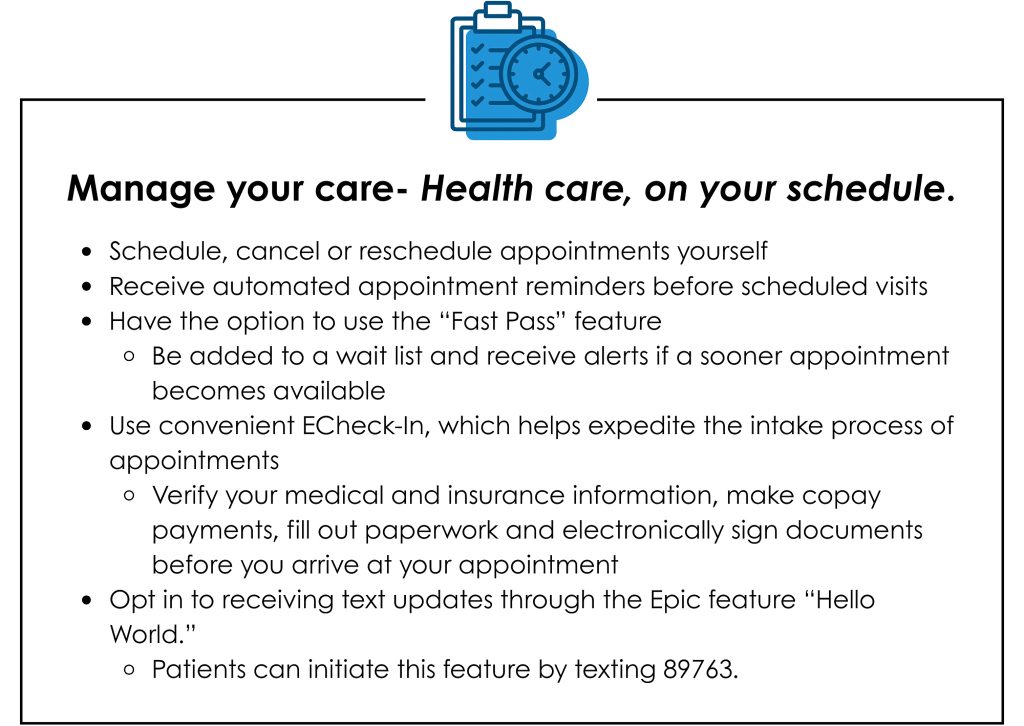
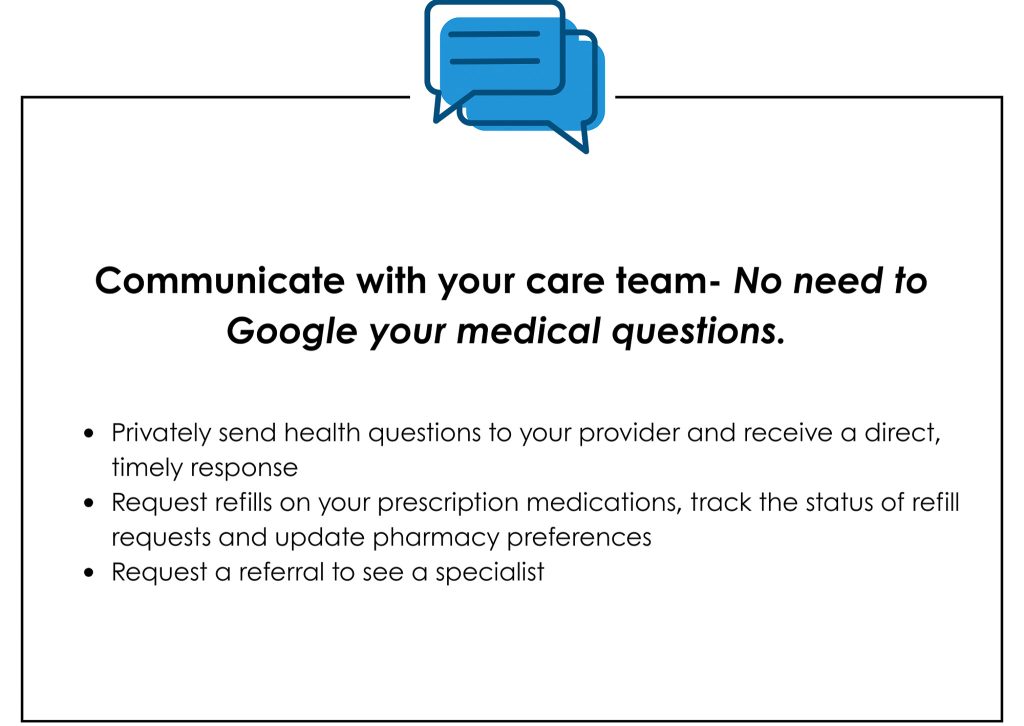
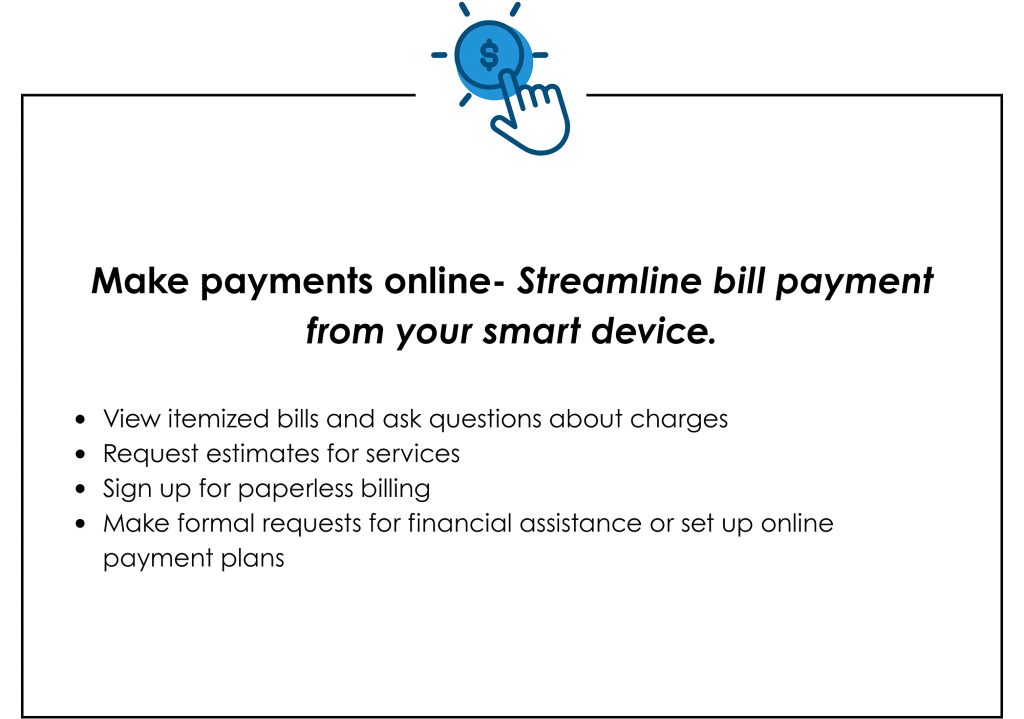
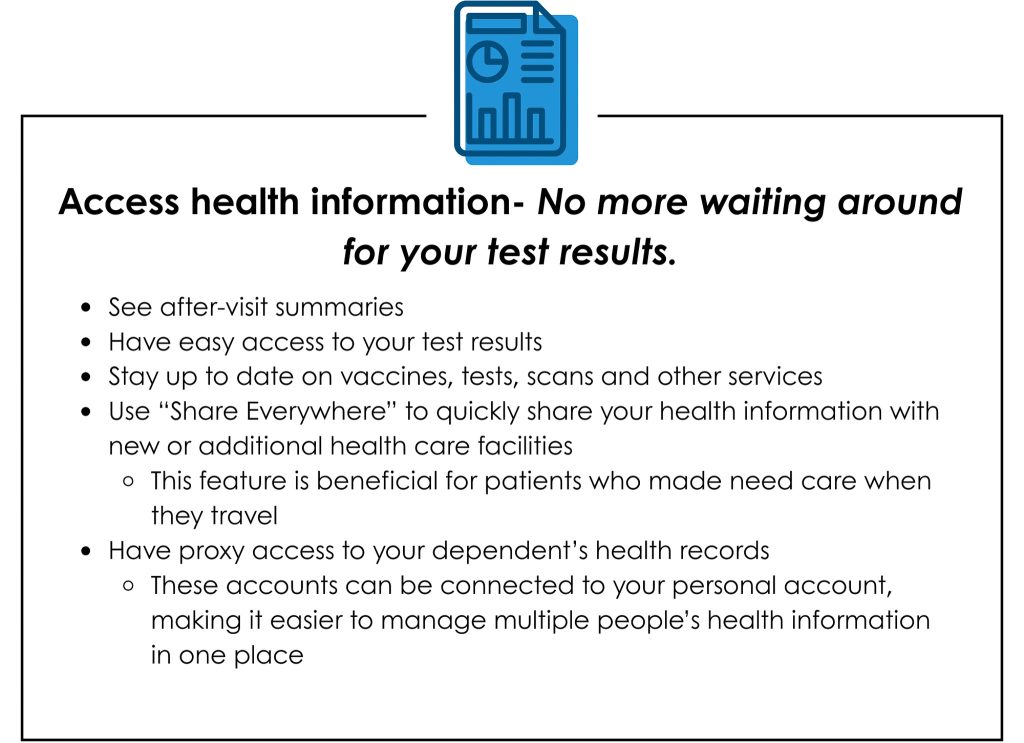
MyChart Empowers You To:
How to Set Up Your Account:
Downloading the Smartphone App
The MyChart app is available on the Apple App store or Google Play.
How to Register for MyChart
The process of signing up for MyChart is typically quick and easy. There are several signup methods for MyChart, and patients can choose which methods works best for them.
Signup methods:
- Instant activation- Patients receive an activation URL by email or text message while in the clinic or hospital.
- Patients can then sign up immediately without an activation code.
- Self signup- Patients can complete this process on their own online.
- Patients will visit https://mychart.covingtoncountyhospital.com/CCHMyChart/, then they will click “Sign up with your information.”
- The system will then prompt you to answer questions to verify their identity. Once the verification process is complete, you will receive an activation code on the device of their choosing.
- This code can then be entered to create an account. It is important to note that once a code has been issued it can expire after a disclosed amount of time.
- After Visit Summary-Patients who do not currently have an active MyChart account and are eligible for MyChart access will receive an activation code that is automatically added to their “After Visit Summary.” The “After Visit Summary” can be printed and provided to the patient by staff.
Covington County Hospital staff members are here to help streamline this signup process, making it as simple as possible for patients to complete the process.
How to Link Accounts From Other Organizations:
Did you know you can see all of your health information together in one unified view?
If you make multiple MyChart accounts with multiple organizations, but want to see all your information on one feed, here are the steps to do so:
- Search link from the menu or from your health feed.
- Find the “Link with Other Organizations” notification and click “Explore.”
- Organizations you have visited recently appear, or if you want to find a different one, search for it here.
- After you select and answer a verification question, the accounts are linked from your health feed and from the shortcuts.
- All of your MyChart information can appear together from any linked account.
My Chart makes it easy to access all of your medical information in one place, giving you a single unified picture of your healthcare.
Watch This Brief Video About How to Link Your Account:
Frequently Asked Questions:
Is there a number I can call for information or assistance?
- Yes, the customer support number is 601.399.5323.
Is MyChart free?
- Yes, there is no fee associated with MyChart.
Can spouses share one MyChart?
- No, each adult patient must have their own account.
Is MyChart Secure?
- Yes, MyChart takes all necessary precautions, including message encryption, identity verification and other features, to ensure that your health information remains secure. MyChart helps health care organizations remain compliant with federal and state laws and the Health Insurance Portability and Accountability Act (HIPAA).
How do I update personal information such as my address, phone number, etc.?
- Complete the normal MyChart login process. Click the “personal information” tab on the menu.
How long is my activation code valid?
- A patient activation code can only be used once and is valid for 60 days.